
Cloudpanel Settings

RootaliYönetici
2025-03-22 05:18:53 773 views
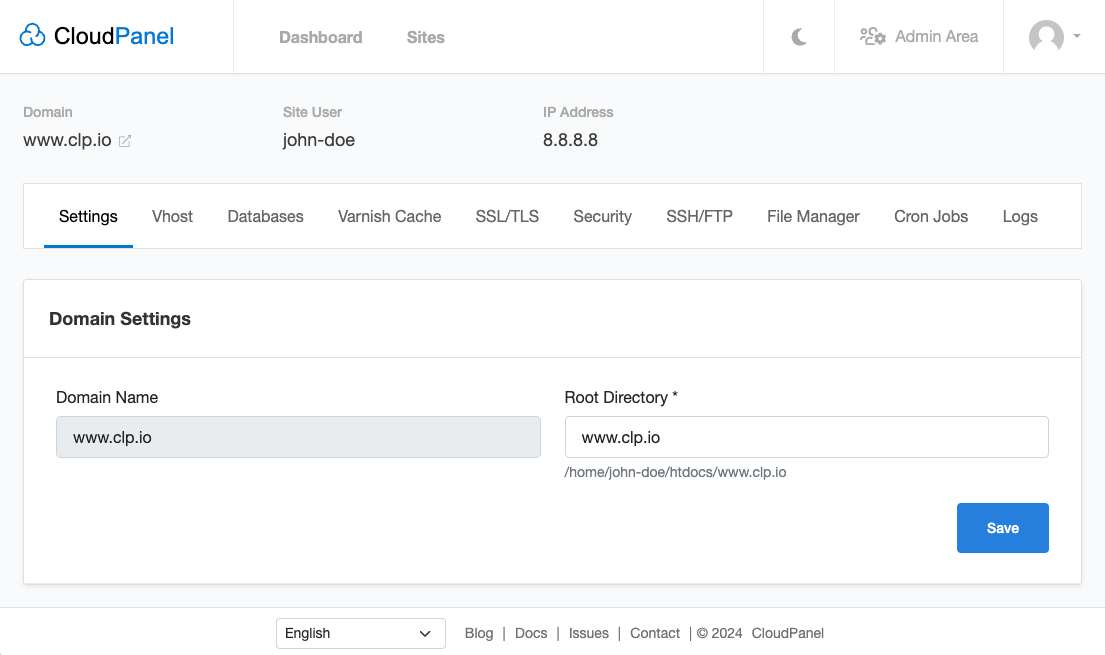
Domain Settings
In the Domain Settings, you can change your site's Root Directory. By default, the Domain Name will be used but can be changed to your needs.
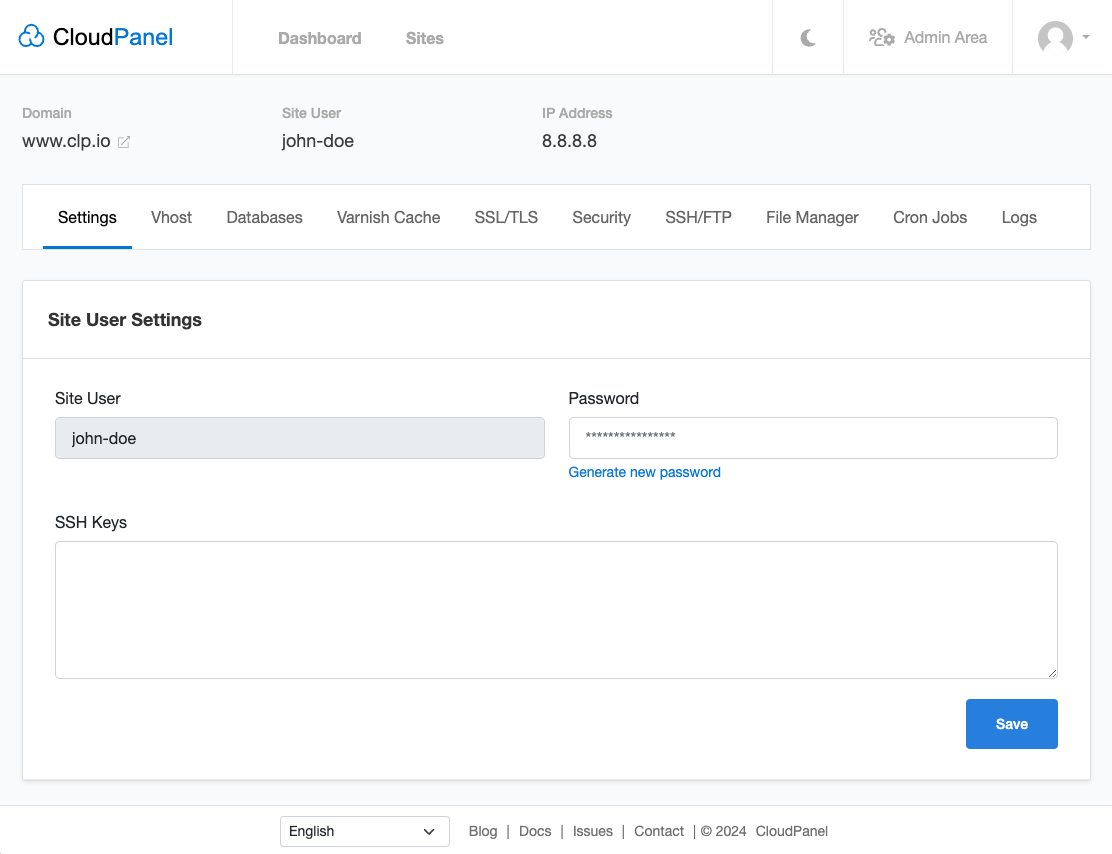
Site User Settings
In the Site User Settings, you can reset the password for the primary SSH User or add SSH Keys if you want to use SSH Public Key Authentication.
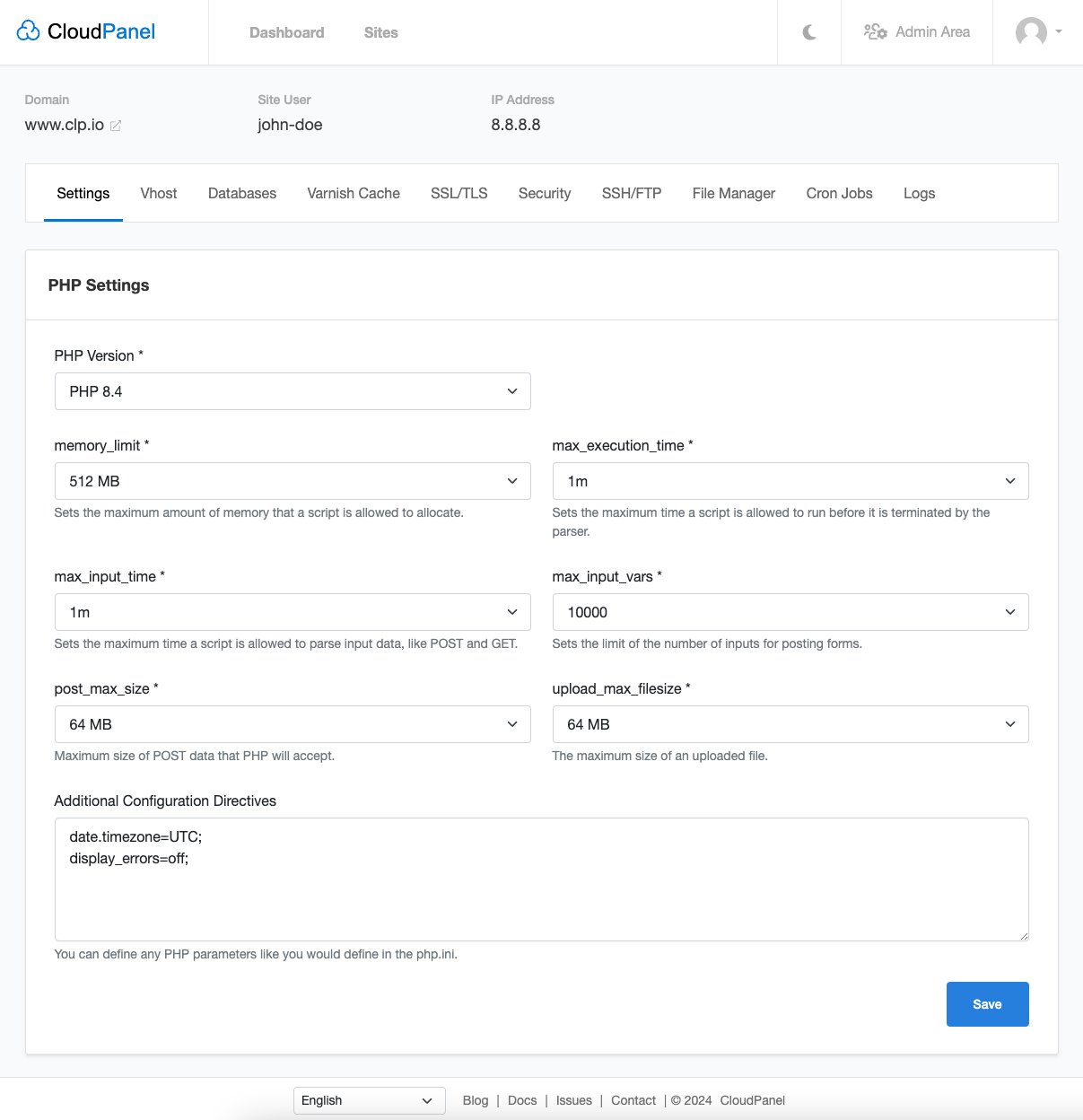
PHP/Node.js/Python/Reverse Proxy Settings
- PHP Settings
- Node.js Settings
- Python Settings
- Reverse Proxy Settings
In the PHP Settings, you can change the PHP Version and change other settings like:
- memory_limit
- max_execution_time
- max_input_time
- max_input_vars
- post_max_size
- upload_max_filesize
The most common settings can be modified to your needs, but you can overwrite them in the
Additional Configuration Directives if you need to change other parameter values.
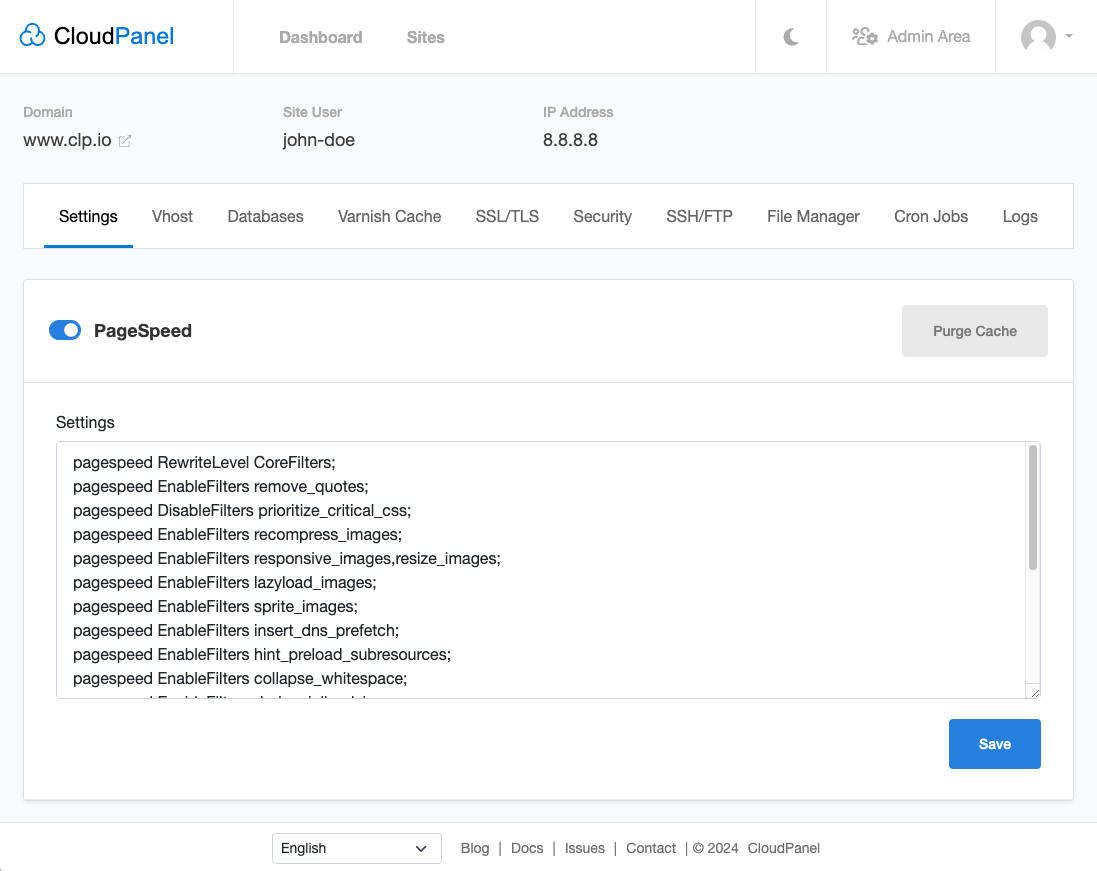
PageSpeed
CloudPanel is shipped with the Google PageSpeed Module for NGINX, automatically optimizing your site for better performance.
Enable the PageSpeed module for NGINX by using the switch and clicking on the button Save.
You can modify the rules; see the PageSpeed Documentation for detailed information.
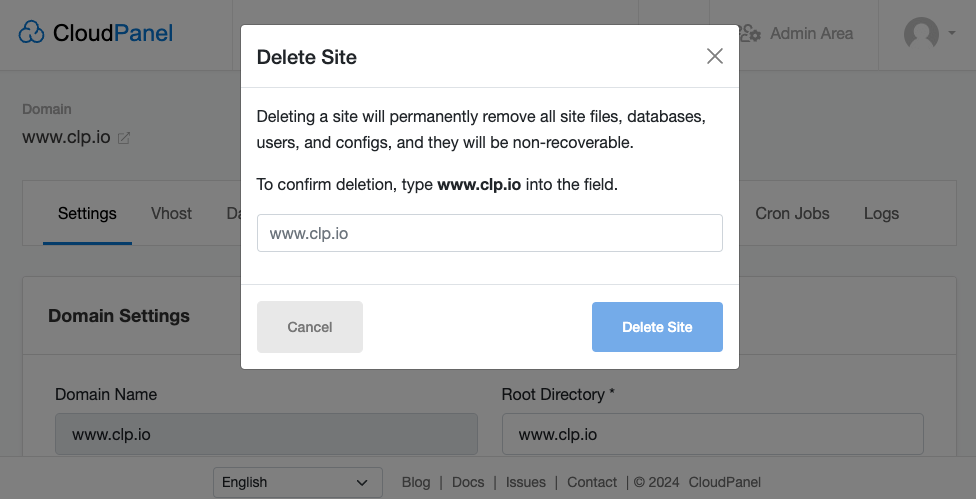
Delete Site
To delete a site, click on the button Delete Site and confirm the action by entering the Domain Name.
Attention
Deleting a site will permanently remove all site files, databases, users, and configs, and they will be non-recoverable.
Yazdığımız şeyler bizi temsil eder, Efendilik iyidir.