
Cloudpanel Account Setting

RootaliYönetici
2025-03-22 04:06:37 778 views
Account
To edit your account information, click on the account icon top right and settings.
Settings
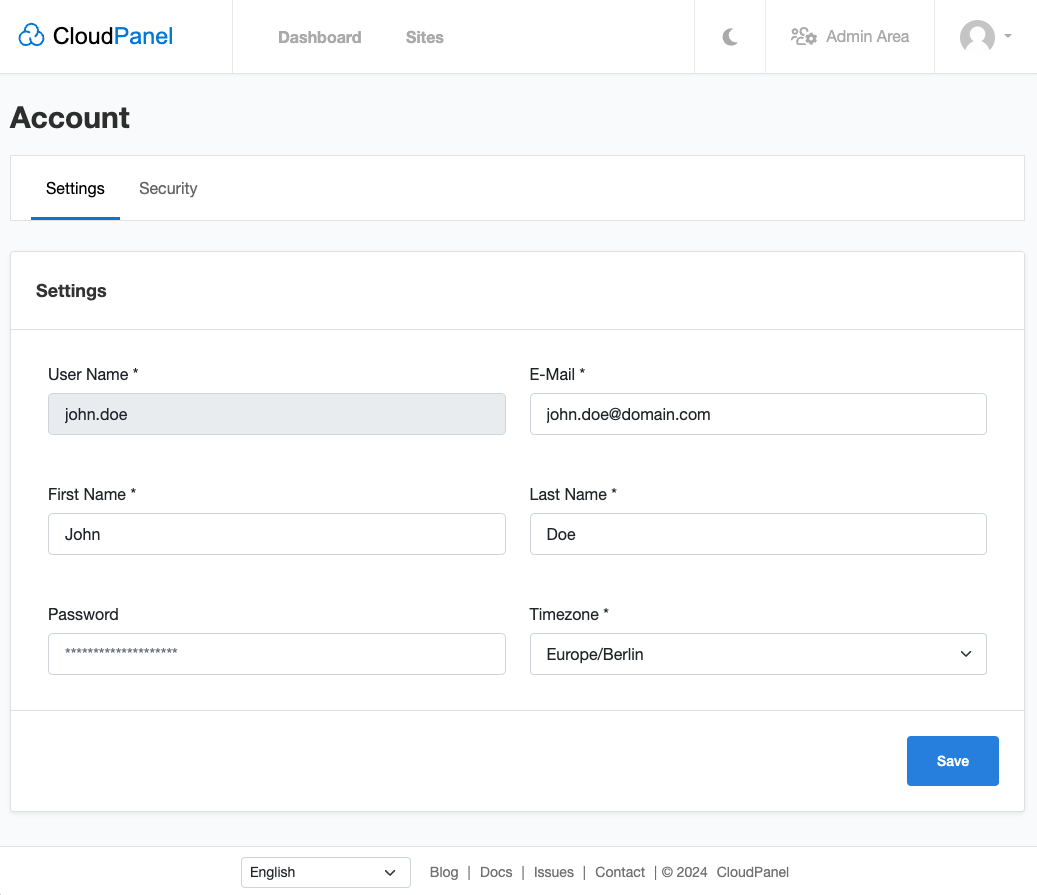
You can change your E-Mail, First Name, Last Name, or change your Password.
Two-Factor Authentication
Enable 2-FA
To enable Two-Factor Authentication, click in your account on the Security tab and click on the Enable Two-Factor Authentication.
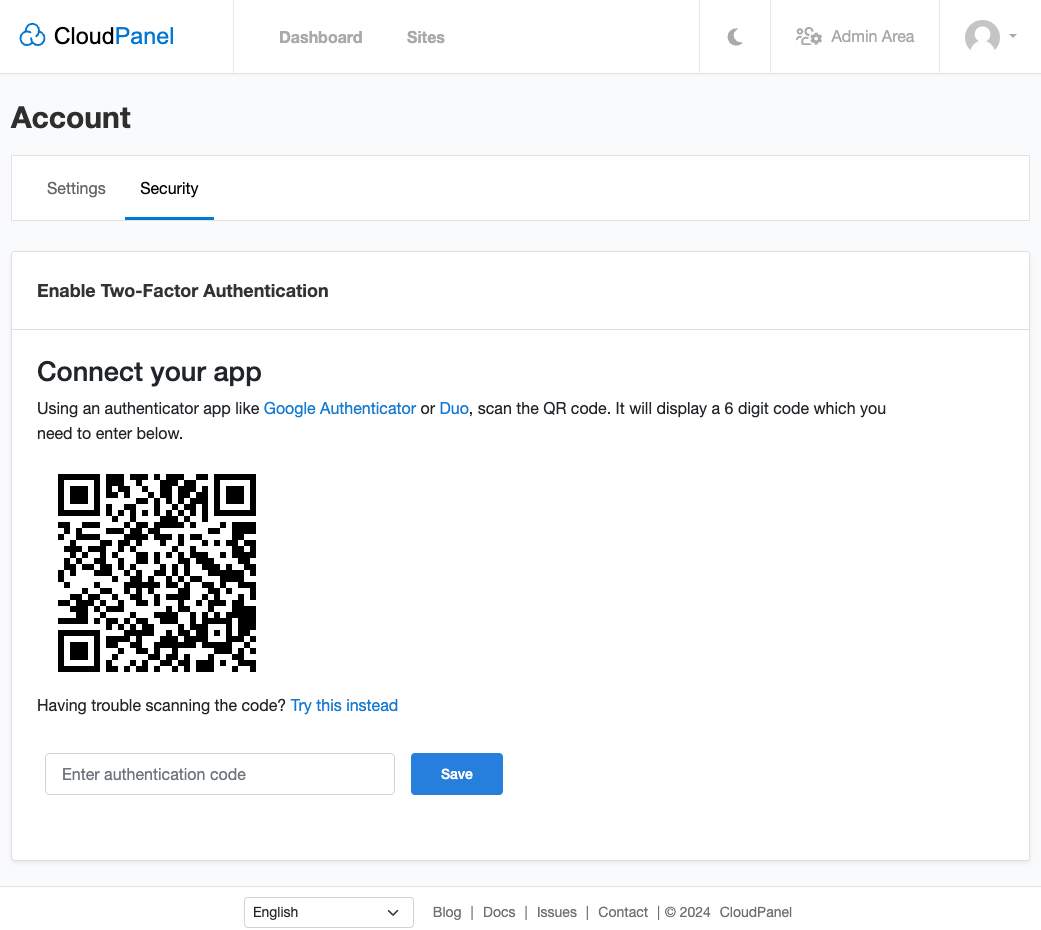
Open an app like Google Authenticator or Duo,scan the QR code, and enter one authentication code to confirm.
Disable 2-FA
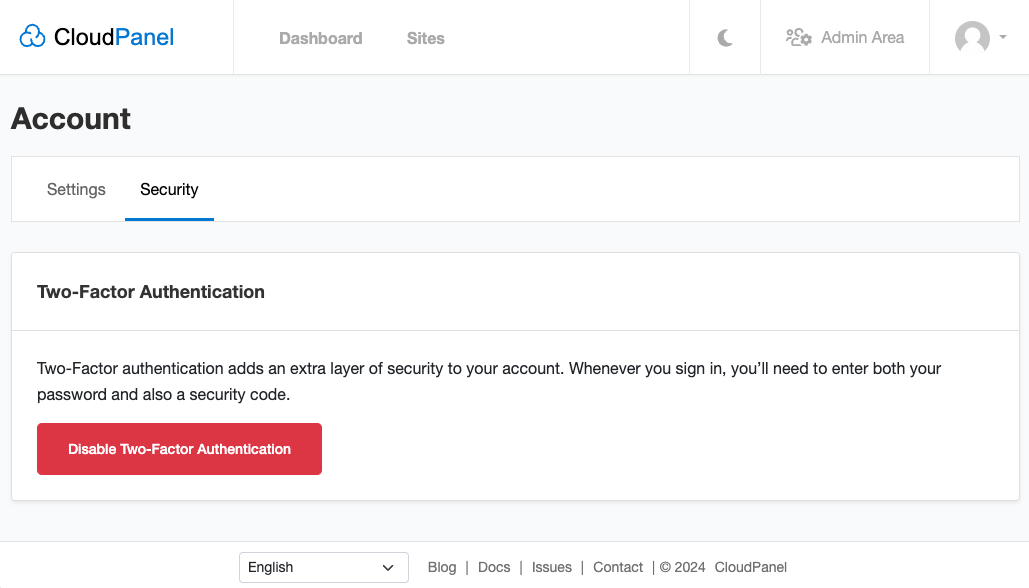
To disable Two-Factor Authentication, click in your account on the tab Security and click on the button
Disable Two-Factor Authentication.
If you can't log in into CloudPanel, you can disable Two-Factor Authentication also from the command line,
see Root User Commands.
Yazdığımız şeyler bizi temsil eder, Efendilik iyidir.